Fast, Lightweight Java PDF Reader
Embed PDF Viewer in any Java Application
Integrate a Java Viewer Into Your Code in Minutes
Find out how to download and set-up JPedal
Copy these lines of code into your Java code:
Viewer viewer = new Viewer();
viewer.setupViewer();
viewer.executeCommand(ViewerCommands.OPENFILE, "pdfFile.pdf");
Viewer viewer = new Viewer();
viewer.setupViewer();
viewer.executeCommand(ViewerCommands.OPENFILE, "image.tiff");Viewer viewer = new Viewer();
viewer.setupViewer();
viewer.executeCommand(ViewerCommands.FORWARDPAGE); // Advance one page
viewer.executeCommand(ViewerCommands.BACKPAGE); // Retreat one page
viewer.executeCommand(ViewerCommands.FFORWARDPAGE); // Advance ten pages
viewer.executeCommand(ViewerCommands.FIRSTPAGE); // Go to the first pageViewer viewer = new Viewer();
viewer.setupViewer();
viewer.executeCommand(ViewerCommands.SINGLE); // Single page mode
viewer.executeCommand(ViewerCommands.CONTINUOUS); // Continuous page moe
viewer.executeCommand(ViewerCommands.FACING); // Front facing page modeViewer viewer = new Viewer();
viewer.setupViewer();
viewer.executeCommand(ViewerCommands.SCALING, ViewerScaling.CUSTOM, "80"); // Scales the page to 80%
viewer.executeCommand(ViewerCommands.SCALING, ViewerScaling.FIT_WIDTH); // Scales the page to fit the width of the ViewerViewer viewer = new Viewer();
viewer.setupViewer();
// Highlight text on the page
viewer.executeCommand(
ViewerCommands.FIND,
"Hello", // The text to find
SearchType.CASE_SENSITIVE, // The search type
false, // Search for multiple terms
true // Search current page or whole document
);Viewer viewer = new Viewer();
viewer.setupViewer();
viewer.executeCommand(ViewerCommands.SETDISPLAYBACKGROUND, Color.BLUE.getRGB()); // Set the background color
viewer.executeCommand(ViewerCommands.SETPAGECOLOR, Color.WHITE.getRGB()); // Set the page color
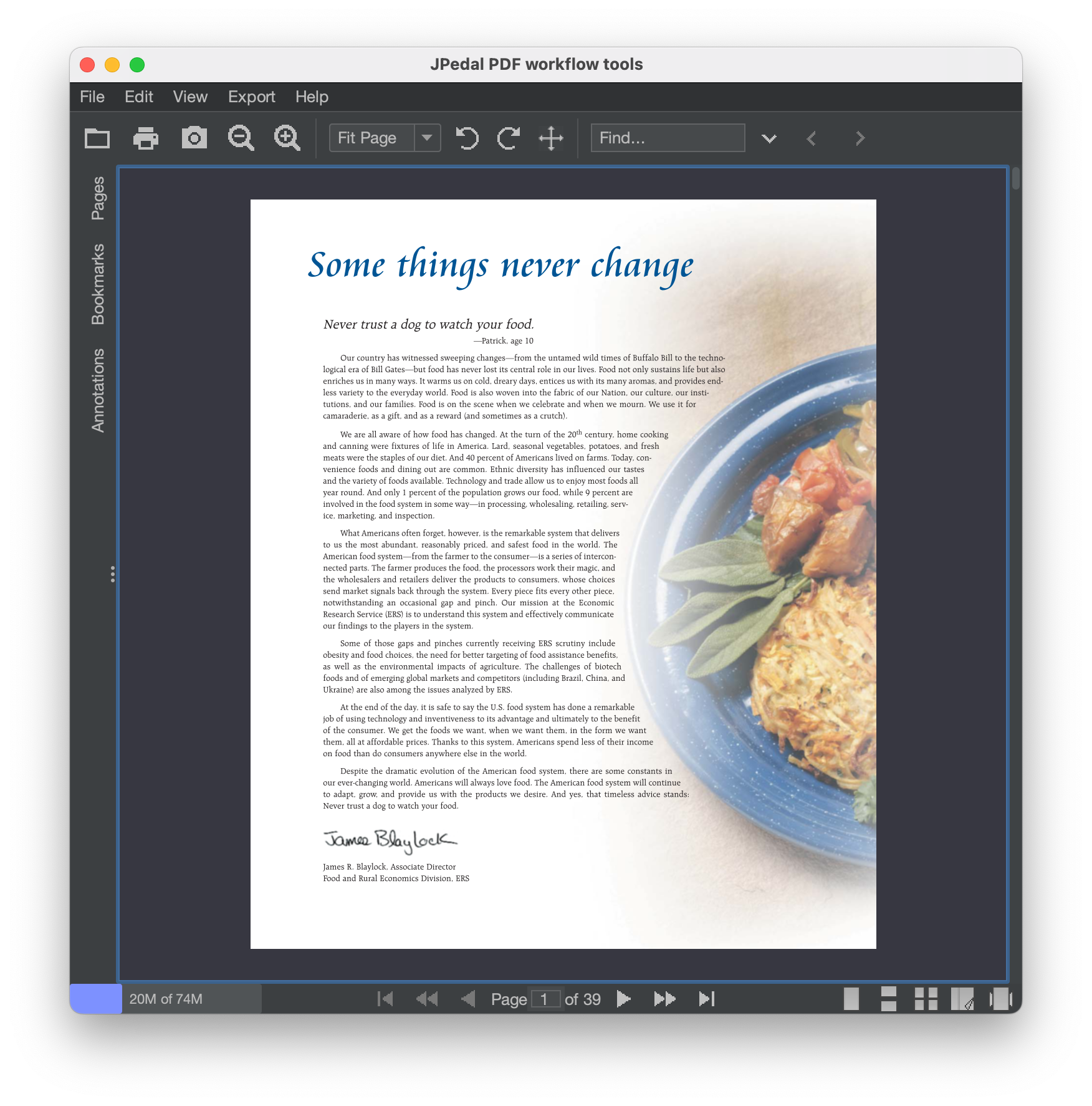
viewer.executeCommand(ViewerCommands.SETTEXTCOLOR, Color.BLACK.getRGB()); // Set the text colorJPedal Java PDF Viewer
Also provides viewing for common Image file formats
[JPedal] saves a lot of time and paper, and makes it very straightforward to work with PDF files on a daily basis.
- Marko D. (DynamiQ Solutions)
JPedal Java PDF Reader Key Features
JPedal provides a 100% Java PDF Viewer which is easy to integrate and customise into your Java applications as a Swing Component. Features include:
- Single page and continuous page display
- Document navigation
- Printing
- Forms editor
- Text search
- Zoom, Scale, Rotate Pages
- Remove and configure any features
- Reduced Memory Usage
- Change Viewer Look and Feel
- Image Viewing capabilities
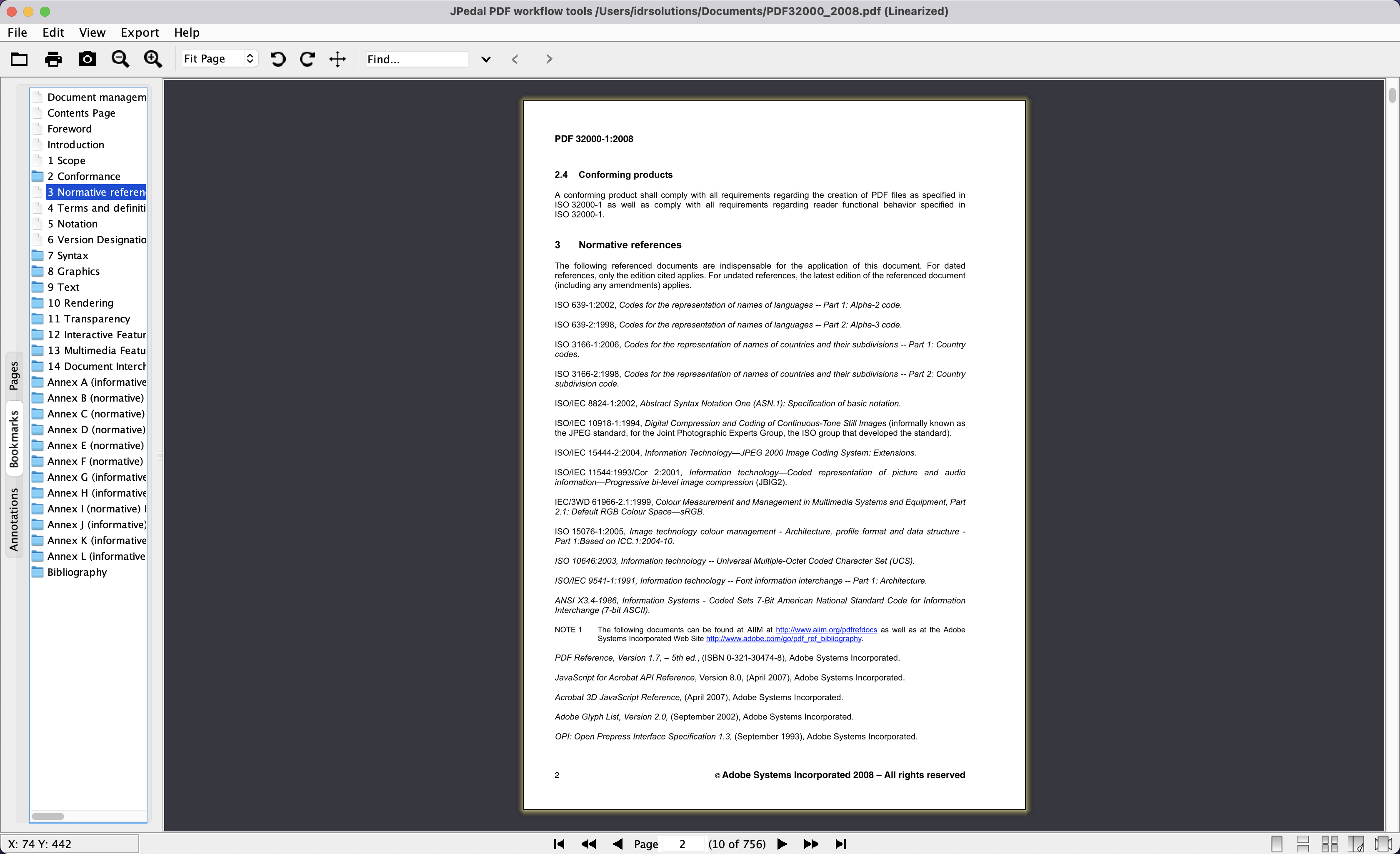
Complete PDF Viewer
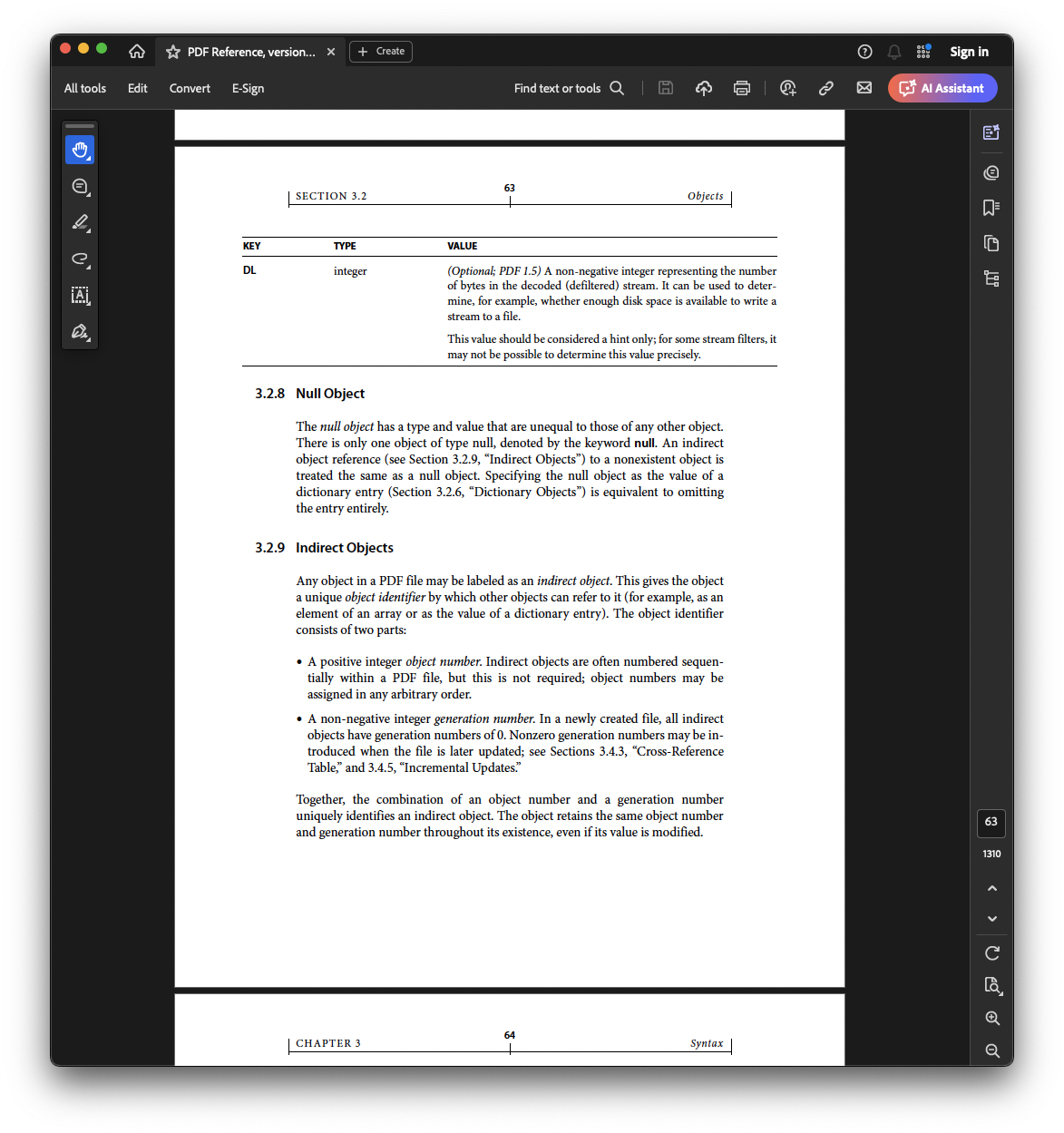
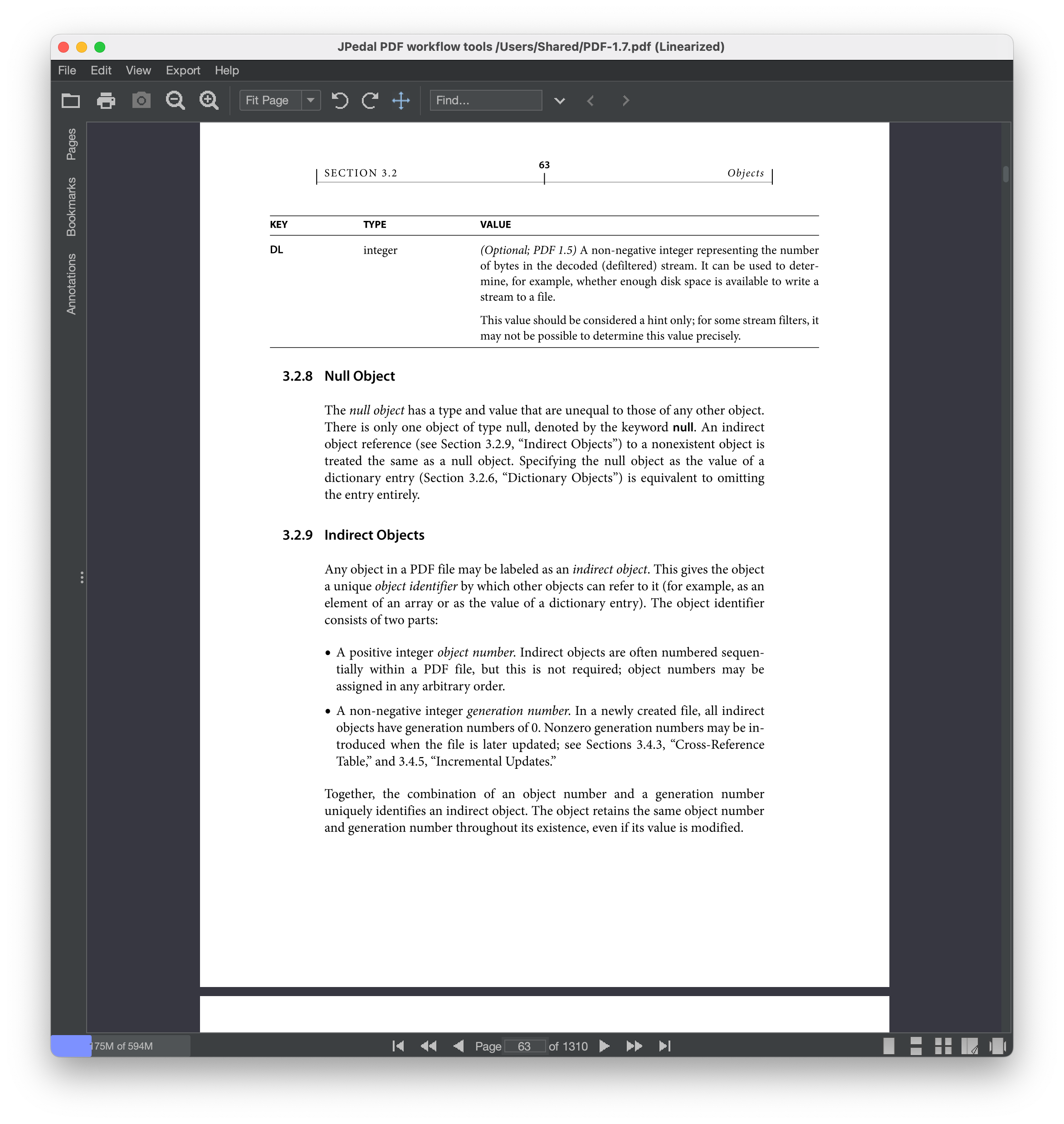
JPedal Viewer vs Adobe Acrobat








Try JPedal for Free
JPedal is absolutely easy to use and it provided the best results of all libraries we tested over the years. We need to create renditions of PDF files so that people can view them conveniently in the browser.
- Roman K. (Developer at German Digital Big Data Platform)
Support for JPedal is done extremely well and for continuously using the software, what the customer needs is good support for the issues we face. And it is superb in that respect.
- Developer (Large Multinational Corporation)